A Guide for Small Businesses in South Arkansas
Introduction: The End of Windows 10—What It Means for Your Business
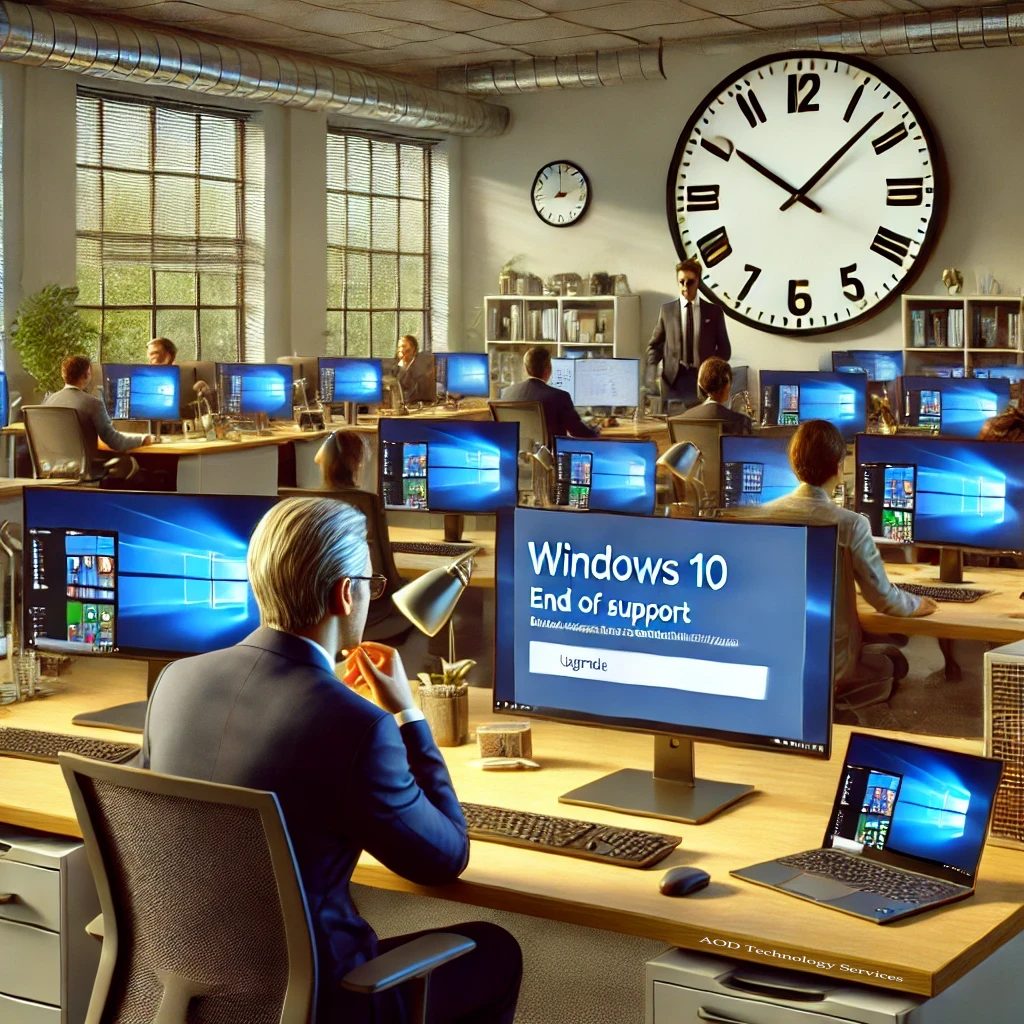
On October 14, 2025, Microsoft will officially end support for Windows 10. While this might seem far off, small businesses in South Arkansas need to start preparing now. If your business still relies on Windows 10, you could face security vulnerabilities, software compatibility issues, and unplanned costs if you don’t upgrade in time.
For many business owners, transitioning from one operating system to another can feel like an overwhelming challenge, especially when time, money, and business operations are at stake. This guide will help you understand:
- Why upgrading is necessary and the risks of waiting too long.
- Your options for upgrading and whether you need to replace your computers.
- How to prepare for the transition with a step-by-step approach.
- The financial impact and ways to budget for the upgrade.
Don’t wait until the last minute! As the deadline approaches, businesses across the country will rush to upgrade, leading to PC shortages and higher costs. Planning now will save your business from unnecessary stress and expenses.
What Happens When Windows 10 Support Ends?
Windows 10 will not stop working after October 14, 2025. However, without Microsoft’s continued support, your business will face significant risks and challenges:
1. Security Risks
Once support ends, Windows 10 will no longer receive security patches or updates. This means your computers will be vulnerable to:
- Cyberattacks and malware infections. Hackers actively target outdated systems.
- Data breaches. Small businesses handling customer financial data, medical records, or legal information will be at serious risk.
- Compliance violations. If your business follows industry regulations (such as HIPAA or PCI-DSS), an unsupported operating system could put you out of compliance.
- Higher insurance costs. Cyber insurance providers may increase premiums or deny coverage if you continue using an outdated OS.
2. Software & Hardware Compatibility Issues
- Business software may stop working on Windows 10. Software vendors focus updates on supported operating systems.
- Printers, scanners, and other peripherals may not receive driver updates.
- Performance issues could arise as Windows 10 continues to age, leading to slower processing and system crashes.
3. Increased IT Support Costs
- Tech support for Windows 10 will become more expensive. Many IT professionals charge a premium for maintaining outdated systems. However, At One Designs, LLC will NOT impose these penalties on clients. That said, as we approach the deadline, our availability may become difficult to schedule as we work on a first-come-first-choice basis in scheduling work.
- Extended Security Updates (ESU) from Microsoft (if available) will be costly. Microsoft has announced the pricing for Windows 10 ESU when purchased through the Microsoft Volume Licensing Program, starts at $61 per device for the first year (2025-2026), doubles to $122 per device for the second year (2026-2027), and rises to $244 per device for the third year (2027-2028). This is a steep increase, making it far more cost-effective to upgrade rather than relying on ESU.
The bottom line: The longer you delay upgrading, the more risks and costs your business will face.
Your Upgrade Options
Why You Need to Decide NOW
- PC manufacturers forecast supply shortages as the Windows 10 deadline approaches.
- If you wait too long, you could face limited availability, higher prices, and longer wait times.
- Avoid last-minute scrambling by making a plan now.
Your business has three main options to transition away from Windows 10:
Option 1: Upgrade to Windows 11
This is the most cost-effective solution if your current computers meet Windows 11 system requirements.
How to Check If Your PC Can Run Windows 11
- Download Microsoft’s PC Health Check Tool here.
- Run the tool to see if your computer is eligible.
- If your PC fails the check, review these options:
- Upgrade hardware components (e.g., adding RAM or replacing the hard drive with an SSD).
- Update BIOS/firmware (check with your manufacturer for updates).
- Enable TPM 2.0 and Secure Boot in BIOS settings (needed for Windows 11).
- PC not Compatible? Let us help you evaluate your best option, Click here to Start a Project with us.
Option 2: Purchase New PCs with Windows 11
If your computers cannot be upgraded, you’ll need to invest in new machines. Business-grade PCs typically last 5-7 years, making this a worthwhile investment.
Cost Estimate:
- Entry-level business PCs: $600 – $1,000
- High-performance business PCs: $1,200 – $2,500
Tip: Tip: Consider Microsoft’s Refurbished Business PC Program for cost savings. You can also explore Amazon’s Refurbished PC selection for additional affordable options here.
Buying Refurbished? Key Considerations
- Ensure the operating system is Windows 11. Windows 11 Pro is the best choice for your business. Home Edition belongs at home, and Windows S is not suited for business use.
- Warranties are shorter. Typically 90 days to 1 year compared to 3+ years for new machines.
- Refurbished PCs may not include accessories. Some units may not come with a mouse, keyboard, or power cord, so check listings carefully.
- Cost-effective for bulk replacements. If your business needs to replace multiple aging PCs, refurbished models can help you stretch your budget.
- Immediate relief for outdated hardware. A refurbished PC can provide a temporary or long-term solution at a lower price.
- Need guidance? Contact At One Designs, LLC for help choosing the right PC. Submit a Project Inquiry.
Option 3: Consider Alternative Operating Systems
(Not Recommended for Most Businesses)
- Linux-based solutions may work for tech-savvy businesses, but they require IT expertise.
- Cloud-based solutions (Chromebooks, Virtual Desktops, etc.) might fit specific use cases but are not ideal for businesses relying on Windows software.
The Hidden Costs of Switching to Alternative Operating Systems
- Linux-based solutions require significant IT expertise to maintain and may not support common business applications.
- Cloud-based solutions (Chromebooks, Virtual Desktops, etc.) often have limited compatibility with Windows-based software and require a strong, stable internet connection.
- Additional employee training costs—Switching from Windows may involve significant downtime as staff learn new systems.
- Hidden software costs—Businesses may need to invest in new software licenses to replace Windows-exclusive programs.
For most small businesses, sticking with Windows 11 is the best decision to minimize disruptions and long-term costs.
How to Prepare for the Transition
Step 1: Inventory Your Devices & Software
- List all Windows 10 computers in your office.
- Identify business-critical software (e.g., accounting, payroll, CRM).
- Check if each program is Windows 11 compatible (visit software vendors’ websites).
Step 2: Perform Compatibility Checks
- Use PC Health Check Tool for system eligibility.
- Check printers, scanners, and peripherals for driver updates.
Step 3: Create a Transition Plan
- Decide whether to upgrade or replace each computer.
- Plan for downtime—schedule upgrades after hours or on slow business days.
Step 4: Backup Your Data
- Before upgrading, ensure all business data is securely backed up (external hard drive, OneDrive, Google Drive, etc.).
Step 5: Execute the Upgrade in Phases
- Upgrade one or two computers first to test compatibility.
- Address any issues before rolling out to all devices.
Step 6: Securely Decommission Old Windows 10 Machines
- Wipe hard drives before disposal.
- Consider donating or recycling through an e-waste program.
Cost Considerations for Small Businesses
Budgeting for the Upgrade
- Windows 11 Licenses: $140 – $200 per PC
- New Business PCs: $600 – $2,500 each
- IT Service Costs: Learn more. Click here to Start a Project with us.
Financial Assistance & Tax Benefits
- Section 179 Tax Deduction: Write off equipment purchases in the year of purchase. Consult a certified tax advisor to understand how this deduction applies to your specific business situation.
- Check for manufacturer rebates or small business grants.
- Manufacturer Rebates:
- Dell Small Business Offers & Rebates – Dell Deals
- HP Small Business Discounts & Rebates – HP Small Business
- Small Business Grants in South Arkansas:
- Arkansas Small Business & Technology Development Center – ASBTDC
- Arkansas Economic Development Commission Small Business Resources – Arkansas AEDC
- Grants.gov (Search for Small Business Grants) – Grants.gov
- Manufacturer Rebates:
Resources & IT Support
Microsoft Windows 11 Upgrade Guide: Microsoft.com
PC Health Check Tool: Download Here
Small Business IT Support in South Arkansas: At One Designs, LLC – Your local expert for IT consulting, Disaster Recovery, and small business technology solutions. Download our FREE Windows 11 Transition Readiness Checklist
Conclusion: Don’t Wait Until It’s Too Late
The Windows 10 deadline is fast approaching, and businesses that delay their transition risk facing security vulnerabilities, software incompatibility, and increasing support costs. By taking action now, you can ensure a smooth and secure upgrade without last-minute stress.
Upgrading doesn’t have to be overwhelming. Breaking the process into manageable steps—such as assessing your current systems, checking software compatibility, and planning for new hardware if needed—will help avoid unexpected challenges and downtime. Starting early also allows time to explore cost-saving options like manufacturer rebates or refurbished devices.
If you need assistance, At One Designs, LLC is here to provide expert guidance and support throughout the transition. Our team can help you evaluate your upgrade options, determine the best course of action for your business, and execute a seamless transition to Windows 11.
Act now to avoid shortages, rising costs, and unnecessary disruptions. Contact us today to start planning your Windows 11 upgrade!